
Build from an idea
Try VibeCoding
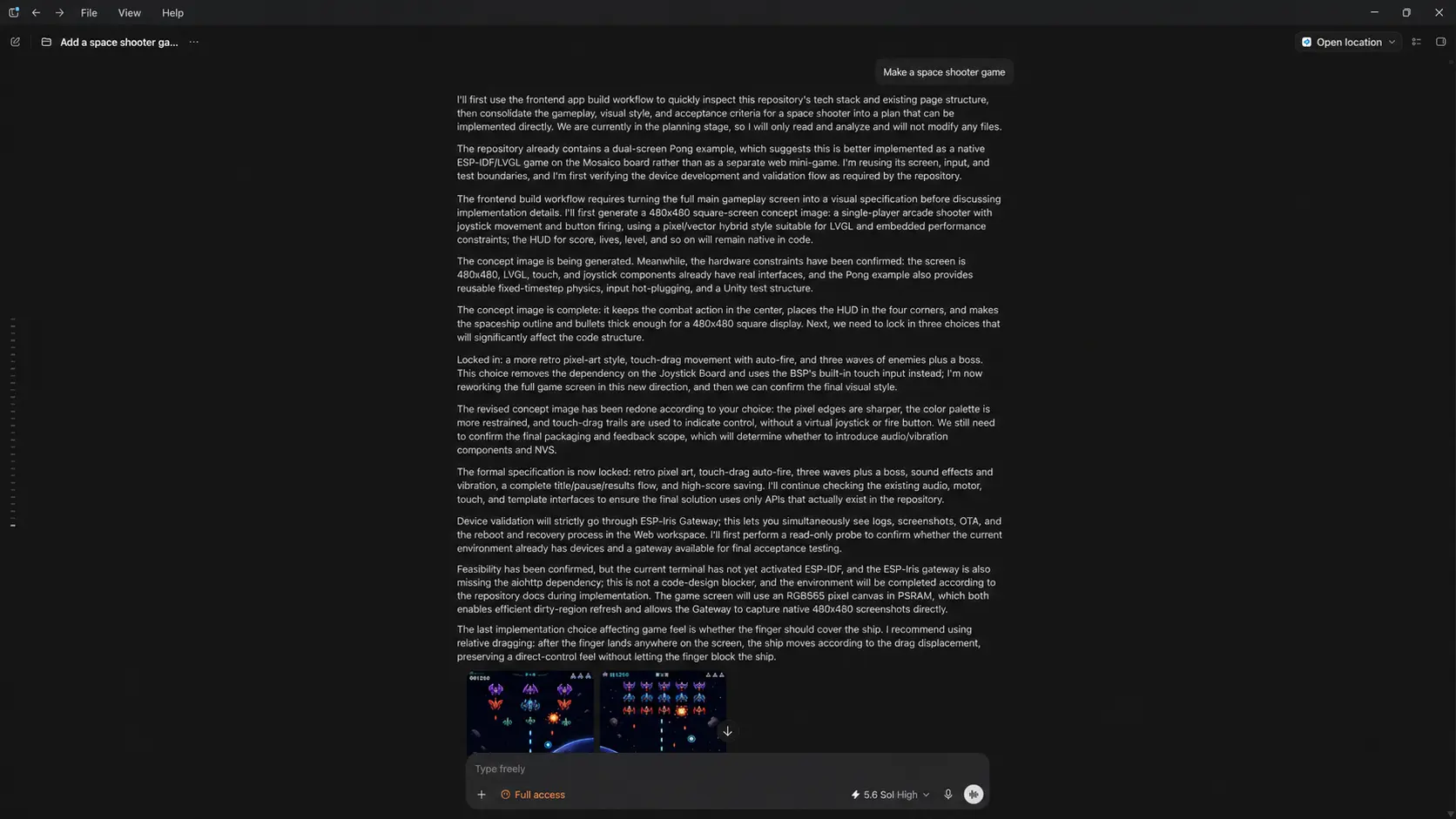
VibeCoding is designed for building your own ideas from scratch. On a PC, pair an AI coding agent with the ESP-Mosaico emulator, debugging tools, and a physical device to create more ambitious embedded applications.
What you need
Prepare any AI coding agent on your PC, such as:
- Codex
- Claude Code
- OpenCode
- Trae
You will also need a USB data cable to connect ESP-Mosaico to your PC.
Enter download mode
Power off ESP-Mosaico and connect it to your PC with the USB cable. Hold the BOOT button, then short-press the Power button. ESP-Mosaico will enter download mode for flashing firmware or downloading programs.
The screen stays black in download mode. This is normal.
Give the Agent a task
Try a prompt like this:
Download the code from this repository: https://github.com/esp-mosaico/esp-mosaico-vibe Set up the environment and implement a Snake game.The prompt includes the repository URL so the Agent can fetch the code, configure the environment, and implement the game.
Iterate on the result
After the Agent finishes the first version, use what you see on the device or emulator to guide the next change:
The snake moves too quickly. Slow it down and add a pause function.Add a start screen and a game-over screen.Let the AI KEY return to the main menu.Tips
- Use Plan Mode. VibeCoding depends on shared understanding. When a request is hard to express all at once, ask the Agent’s Plan Mode to restate its understanding first, then correct it before implementation.
- Prototype UI in the ESP-GSP emulator. Validate layout, interaction logic, and visual results in the emulator before flashing to the physical device.
- Use debugging tools for multimodal tests. The tools in this repository can capture the screen and support interactive testing.